
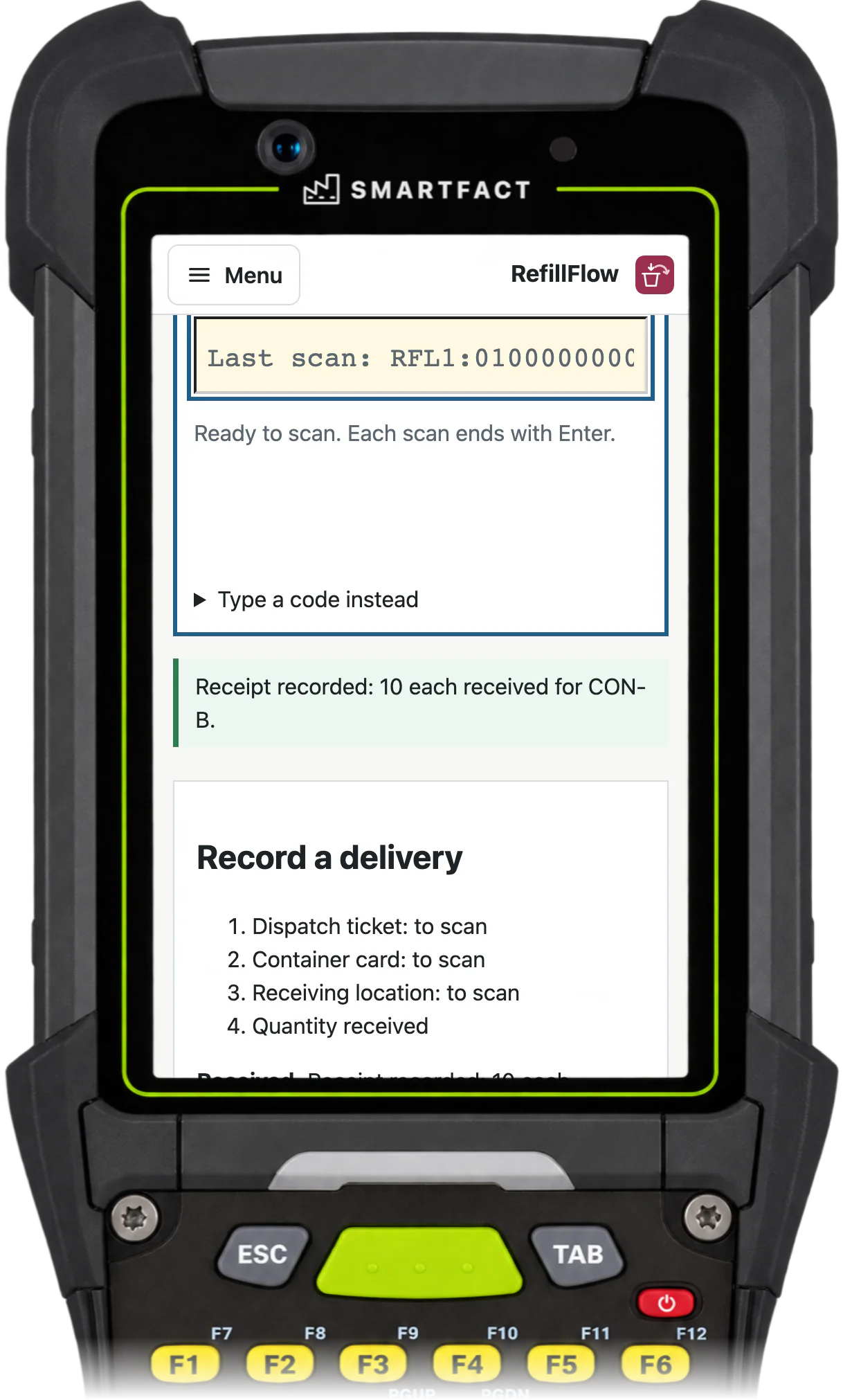

What does the board show?
Every request moves through visible states: requested, accepted, picking, awaiting receipt and complete. The stores board shows each one with its item, quantities requested, received and in transit, its container and destination, age, due time, priority and the person responsible. It can show every stores queue or one, as columns or a table, and the line station shows the same request when its container is scanned.
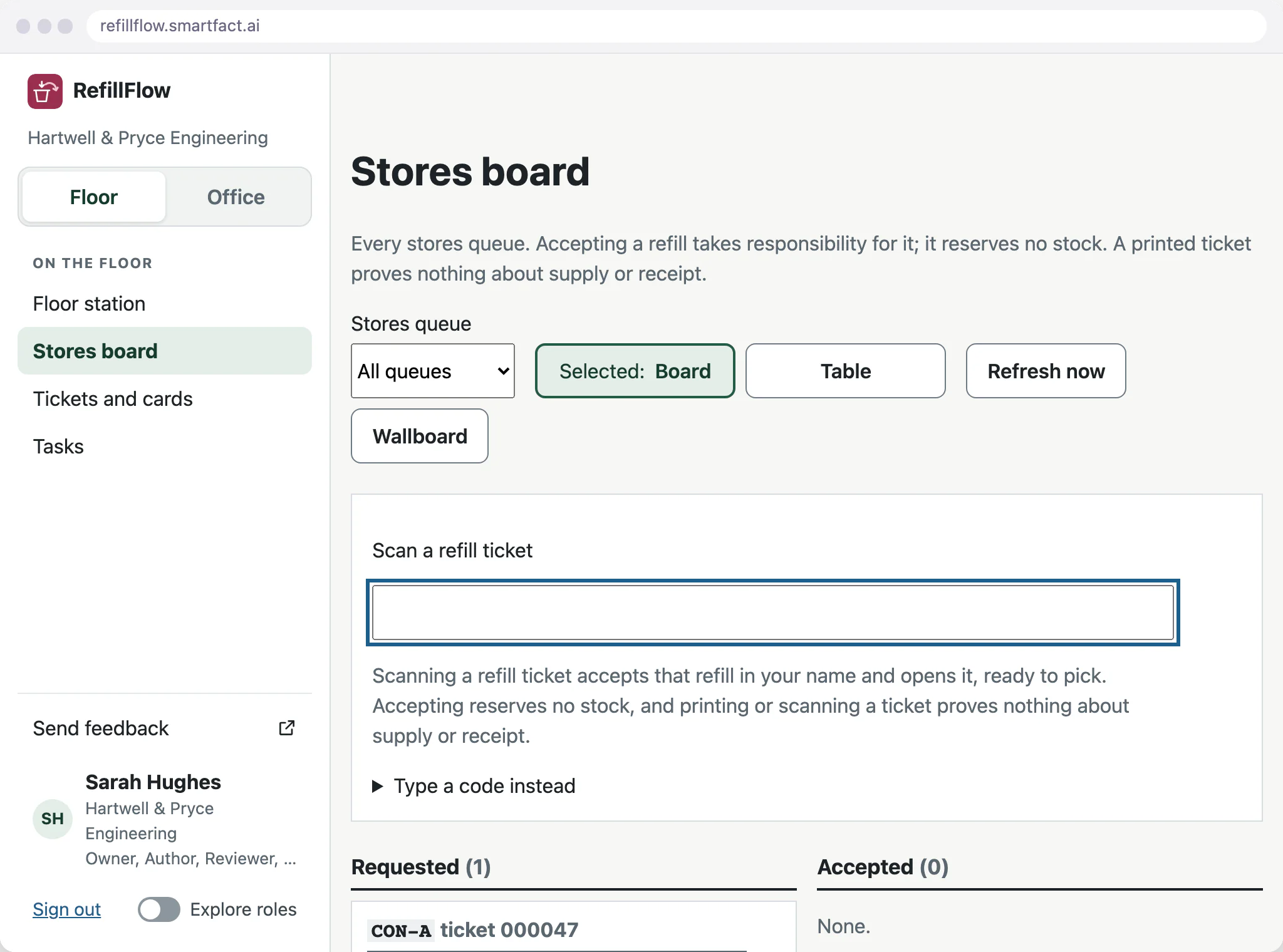
Who owns each request?
Scanning the refill ticket at stores accepts the request in that person’s name, so the board always shows who is responsible. Accepting takes responsibility for the refill; it reserves no stock.
Approved rules set a due time in your working hours and an escalation for requests nobody accepts in time. The supervisor is alerted from the task inbox, with repeat reminders, so a forgotten request is raised before the line runs dry.
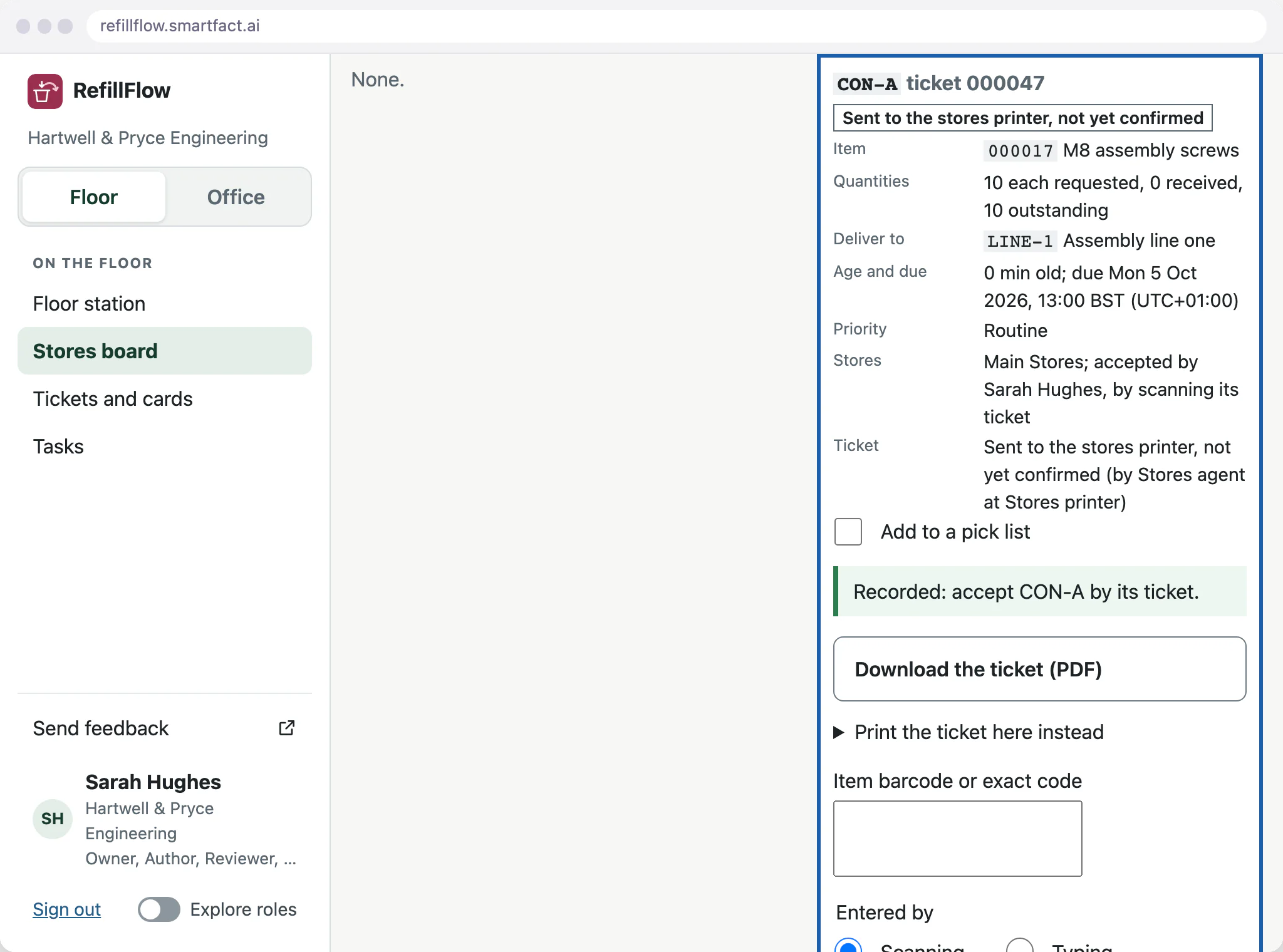
When is a refill complete?
Only when the line records what arrived. The operator scans the dispatch ticket, the container and the receiving location, then enters the quantity actually counted. Part deliveries, shortages and short closures are recorded with the actual quantities, so the history shows what really happened.
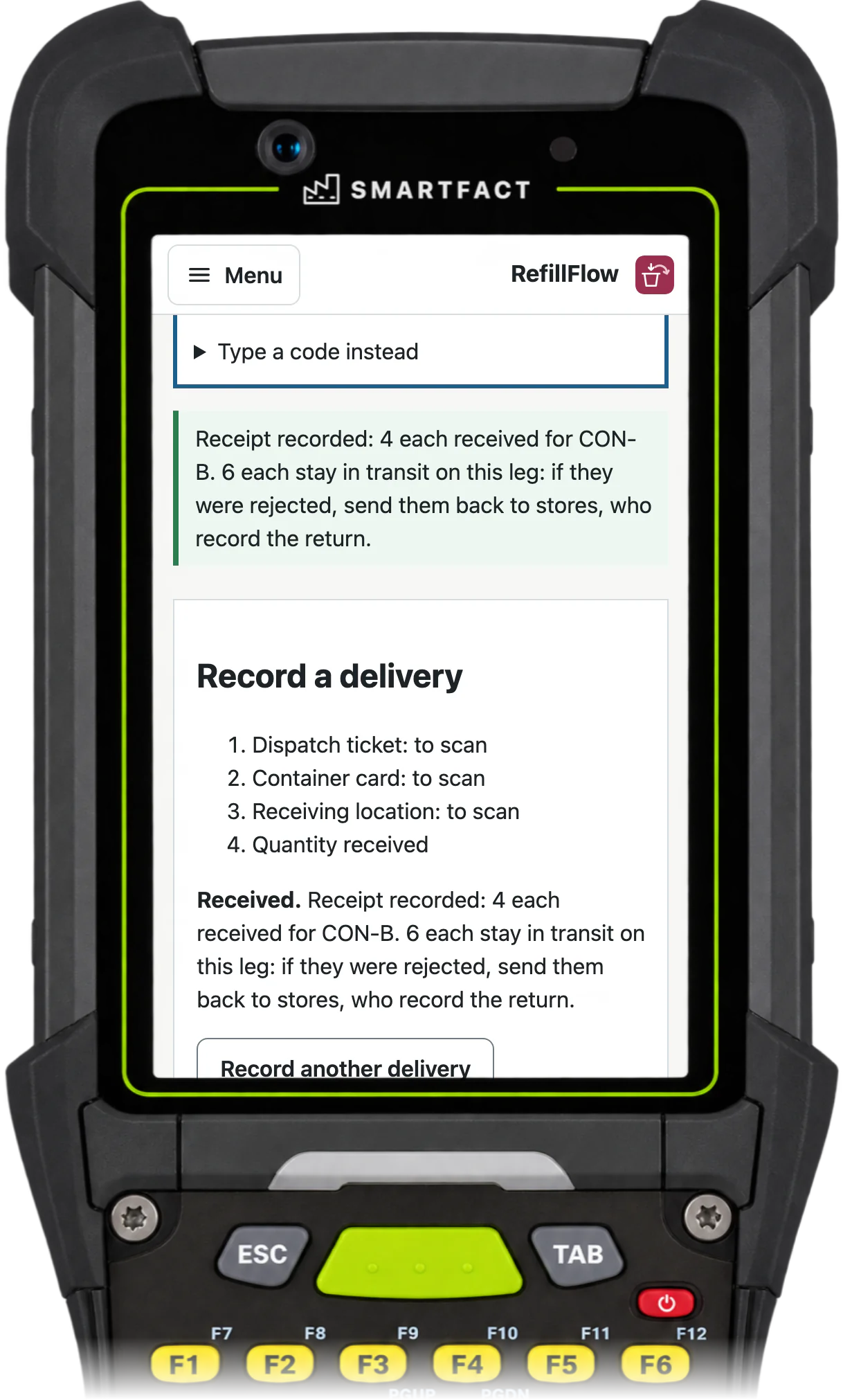
What if stores is short?
Stores dispatches what it has, and the unsupplied amount stays open on the board. Rejected material goes back to stores and is recorded as returned. Then stores sends a replacement, or, once nothing is left in transit, a supervisor closes the request short with a reason. The history keeps what was received and what was never supplied.

What do the reports cover?
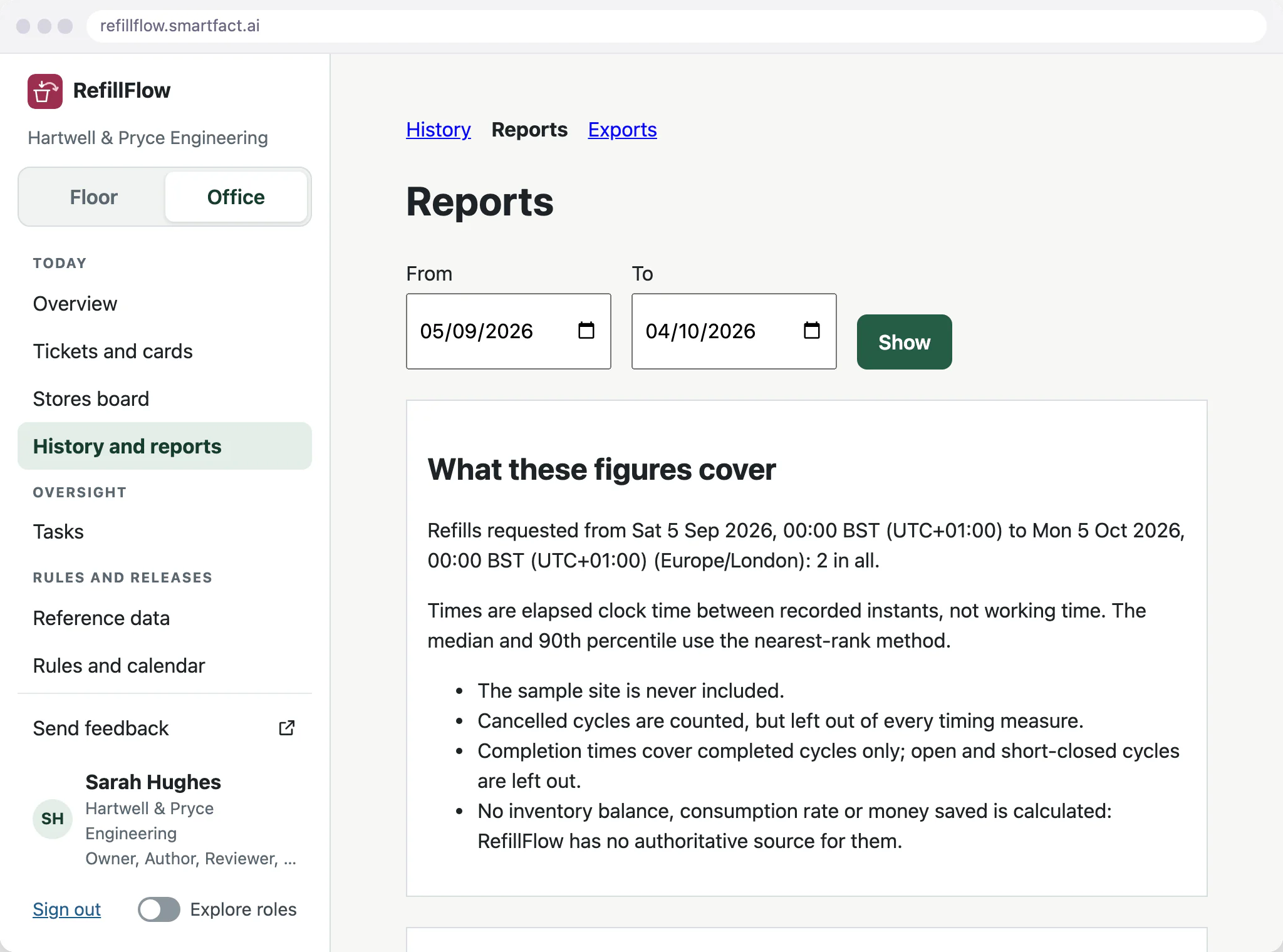
Reports show open requests by age, queue and destination, request-to-accept and request-to-receipt times, overdue requests, shortages and print problems, with the sample size and time basis stated. RefillFlow reports what happened; it does not estimate stock levels or savings.
What RefillFlow does not do
- Stock levels, reservations or valuation. The board tracks refill requests and deliveries; your stock levels stay in your ERP or stock system.
- Estimates of stock levels or savings. Reports count recorded events.
- Treating a printed ticket as a pick, dispatch or delivery. Each is recorded separately.
Common questions
What if stores cannot supply the full amount?
Stores dispatches what it has and records a shortage with a reason, an owner and a time to review it. The rest stays outstanding on the board and on the container until it is supplied, or until a supervisor closes the request short with the actual amount recorded.
How do we know a refill reached the line, and how long it took?
RefillFlow records a delivery when the line scans the dispatch ticket and the container card at the right location and enters what arrived. A wrong location, or more than was sent, is refused, and a request completes only when its full quantity is received. Reports show the time from request to acceptance, to first receipt and to completion, with overdue requests and those finished late.
Start free at one station and pay when you grow. While SmartFACT is in early access, we set your first workflow up with you.


